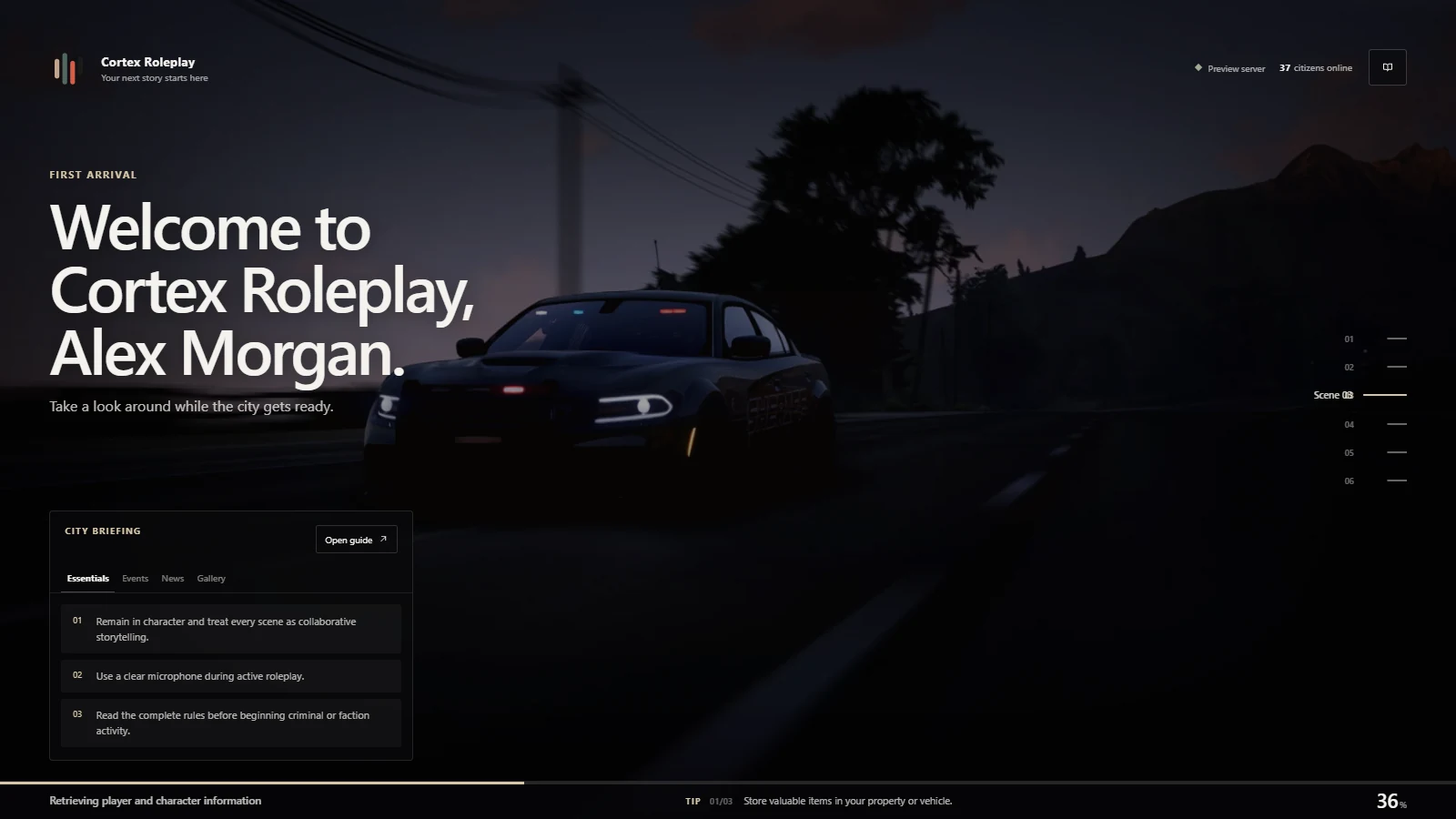
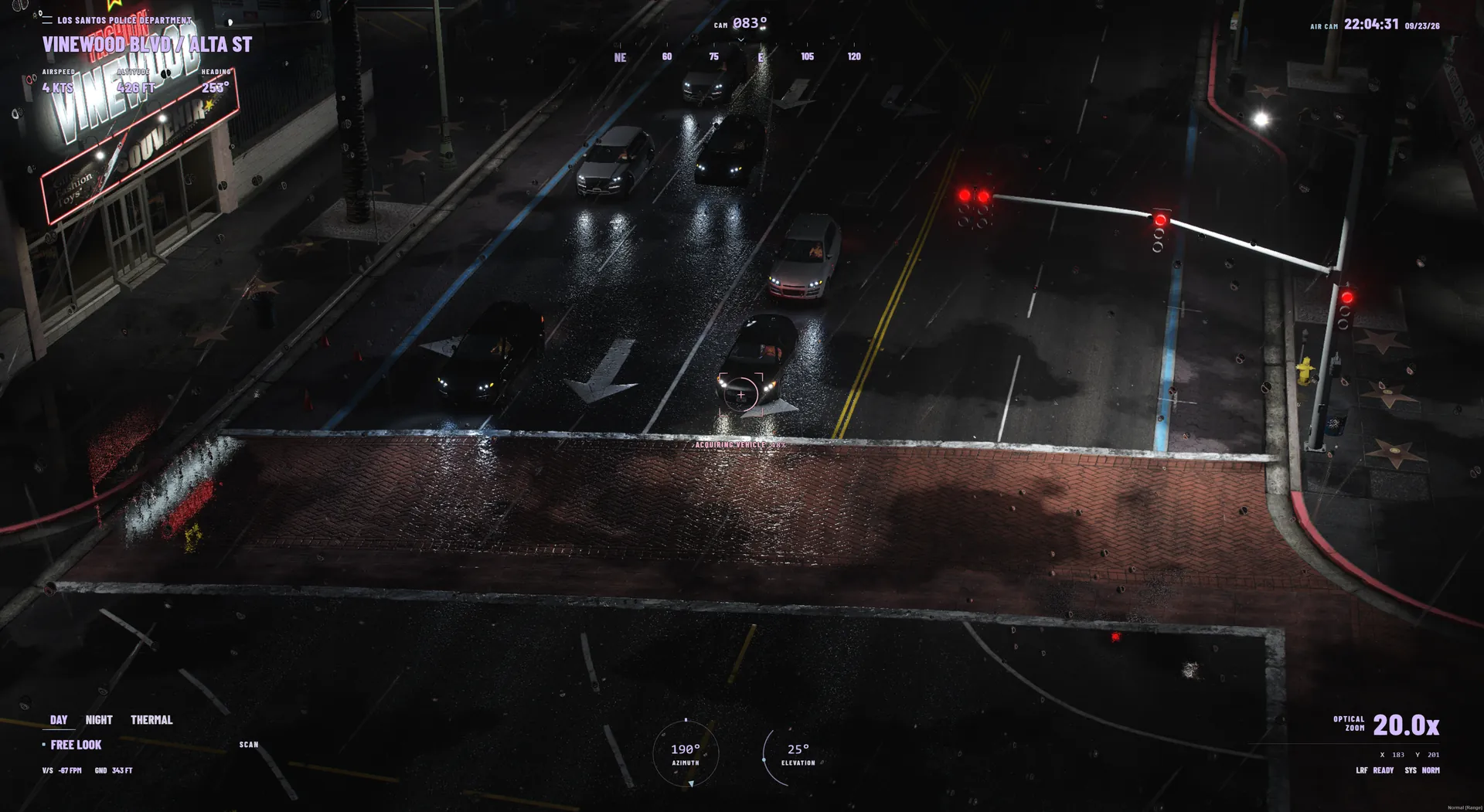
FiveMCortex Lib

Their options. One place.

Install Cortex Lib once and every compatible Cortex resource shares one settings menu, one notification style and one set of interaction tools. Free, MIT-licensed and unescrowed.

Free on Tebex
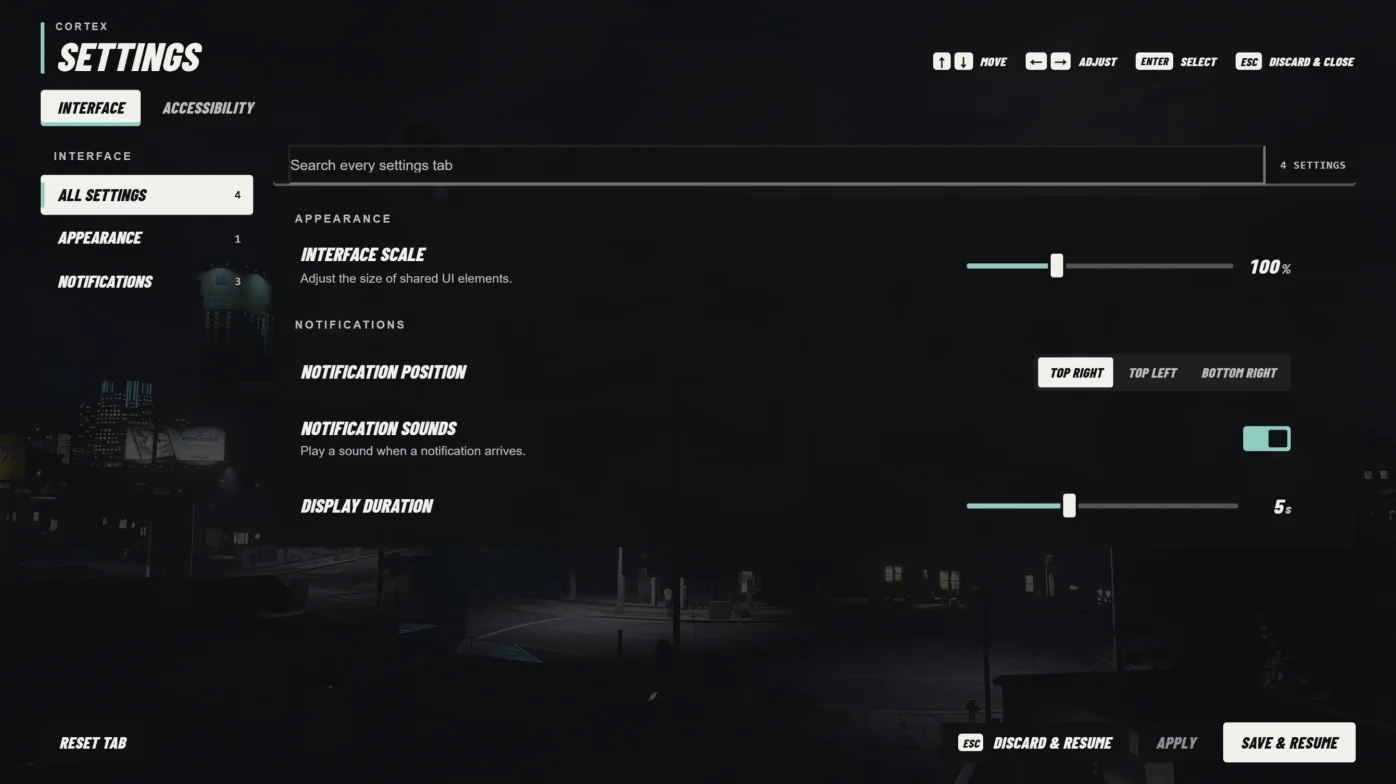
Cortex Settings open over the game, on the All Settings tab with interface scale, notification position, notification sounds and display duration controls.
Runs on
FiveM server
Framework
None required
Licence
MIT, unescrowed
Price
Free on Tebex
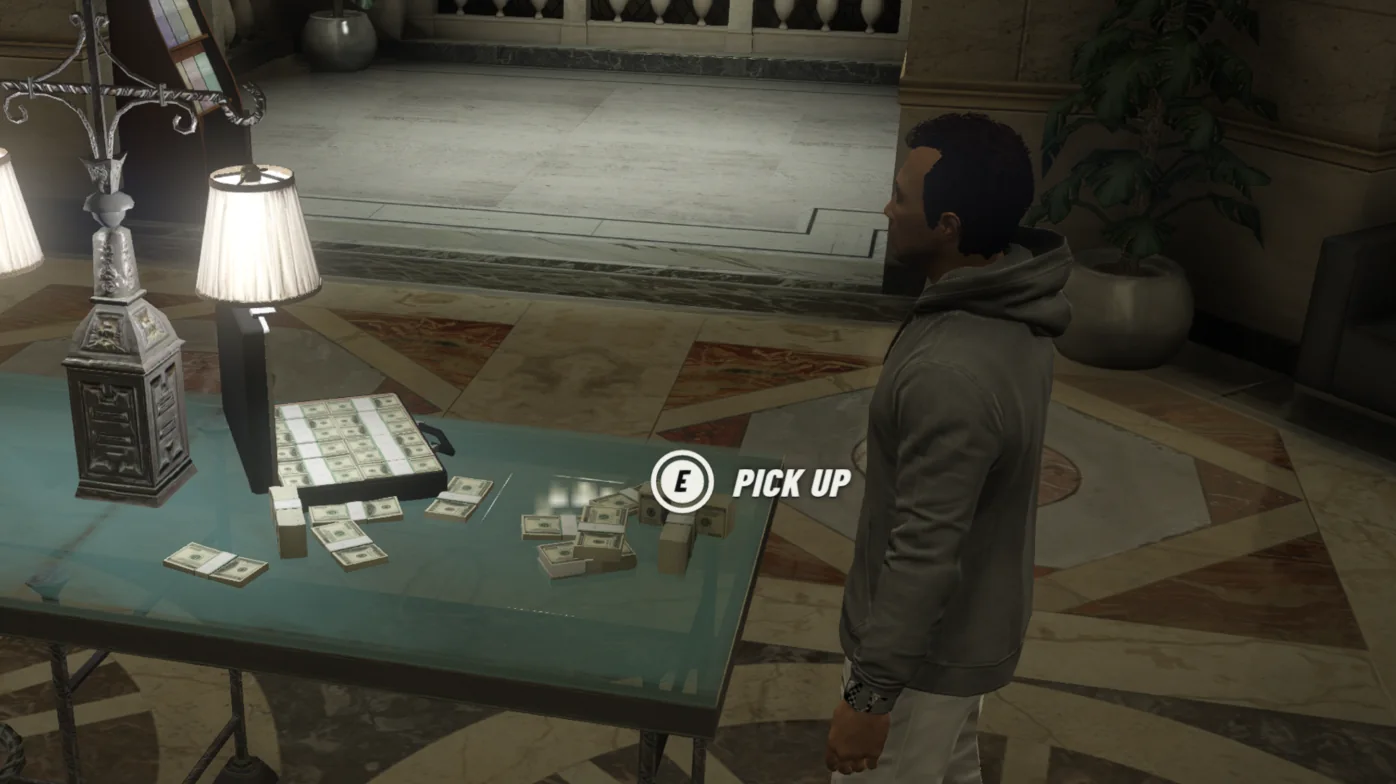
A world-anchored 'E Pick up' prompt beside stacks of cash on a table, with a player standing next to it in game.

The action. The key.

Interaction prompts show on screen or anchored in the world, on a position, an entity or a bone. When two prompts share a key, the higher priority wins. Your resource keeps control of the input.
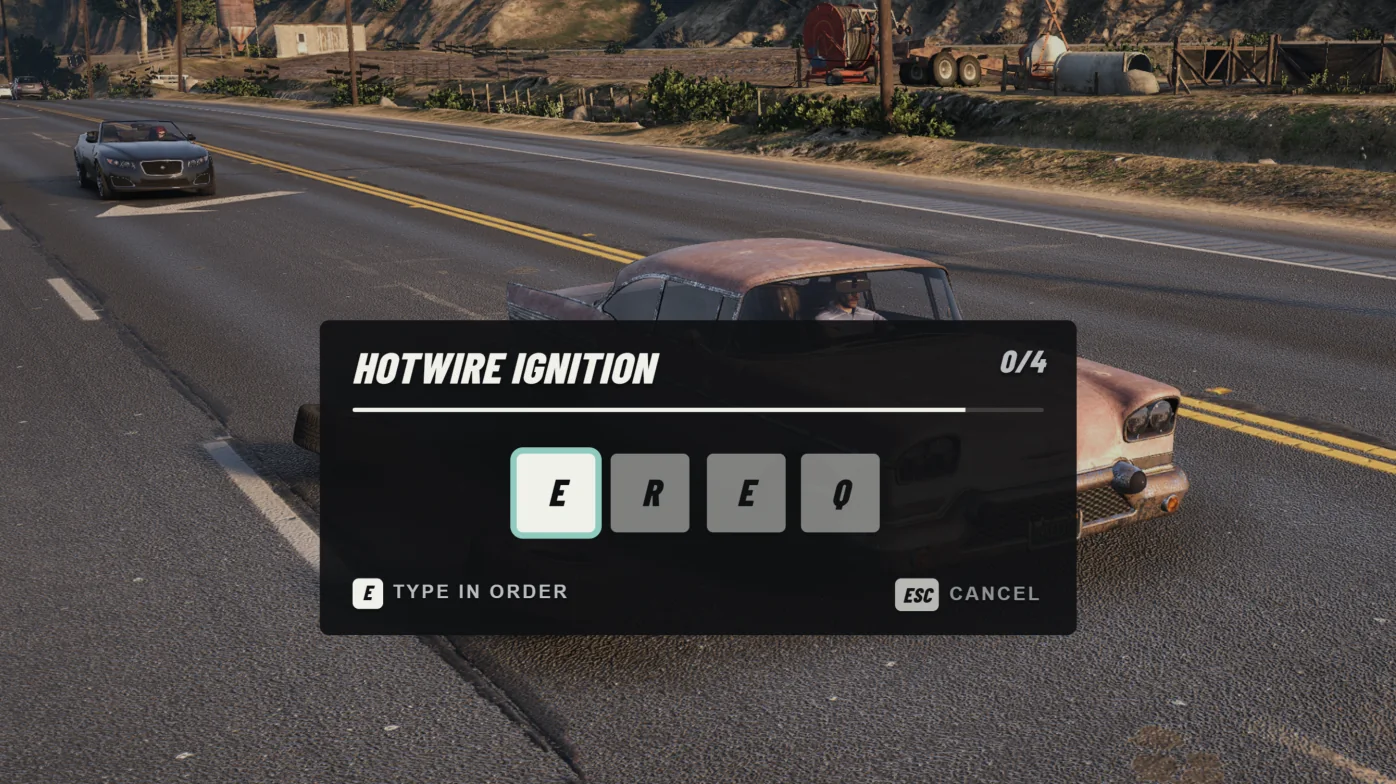
A 'Hotwire ignition' key sequence skill check reading E, R, E, Q over a car on a desert road.

Raise the stakes.

Radial timing, mouse trace, hold and release, key sequences and a key mash. A passing result is local, so the server still decides what it unlocks.

For the people building resources.

Notifications
Five types and six positions. Players choose a default sound and position; servers can send to one player or everyone.
Menus, dialogs and progress
Keyboard and mouse menus, confirm dialogs, and progress bars or circles with animations and props.
Callbacks
Client and server callbacks with a timeout and a per-player rate limit.
Zones and points
Box, sphere and polygon zones, distance points and a live player cache.
Settings pages
Register a tab in Cortex Settings with toggles, selects, sliders and colours. Preferences are saved on the player's computer.

Install it once.

Free on Tebex. The download includes the MIT-licensed source, unescrowed.

Server questions

Which resources need it?

Cortex PolCam and Cortex Chat require it. Cortex Loading and Cortex Multicharacter do not.

Does it need a framework?

No. It runs without a framework or database, and the interface is bundled, so there is nothing to build.

Where are player preferences stored?

On each player's computer, in FiveM client storage. Updating the library does not reset them.

How do players open the settings?

Type /cortexsettings in chat.

Built for FiveM servers.

All FiveM resources