
FiveMCortex Loading
Make the wait part of the arrival.
Set the scene before players step into your city. Your imagery, your music, and a welcome that knows who's coming back.
Try your arrival $4.99 on TebexTake the front seat.
Try the loading screen, then change the details. Everything in the preview is interactive.
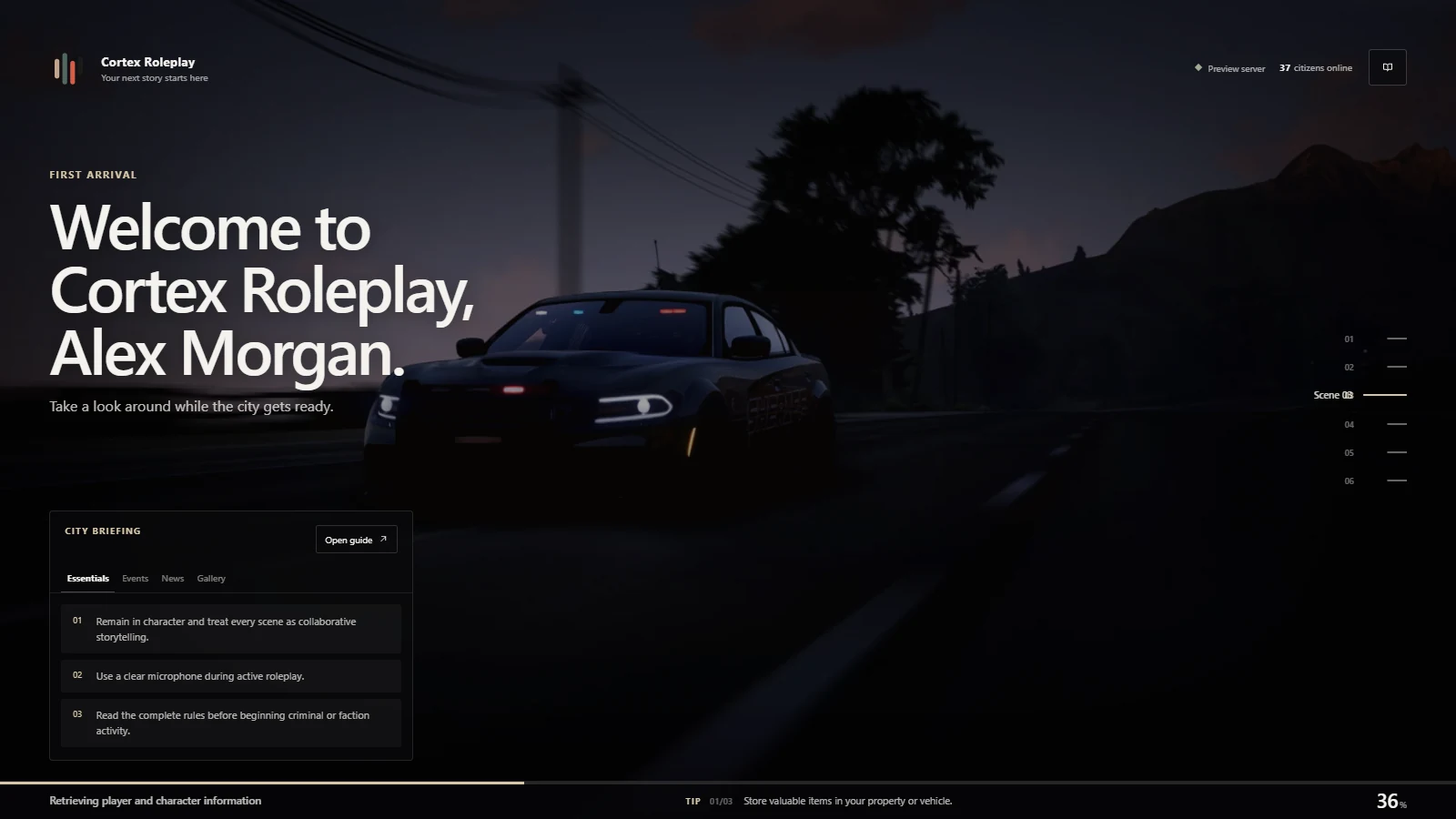
Browser demo · Sample community · Simulated progress
- Made for
- FiveM
- Customise in
- config.lua
- Media
- Images, video & audio
- Price
- $4.99 on Tebex
Give them somewhere to start.
Rules for the first visit. Updates for the next. The City Guide brings news, events, changelogs, tips, galleries, links, staff and credits into the loading screen. A compact briefing keeps the essentials in view.
Try it in the demo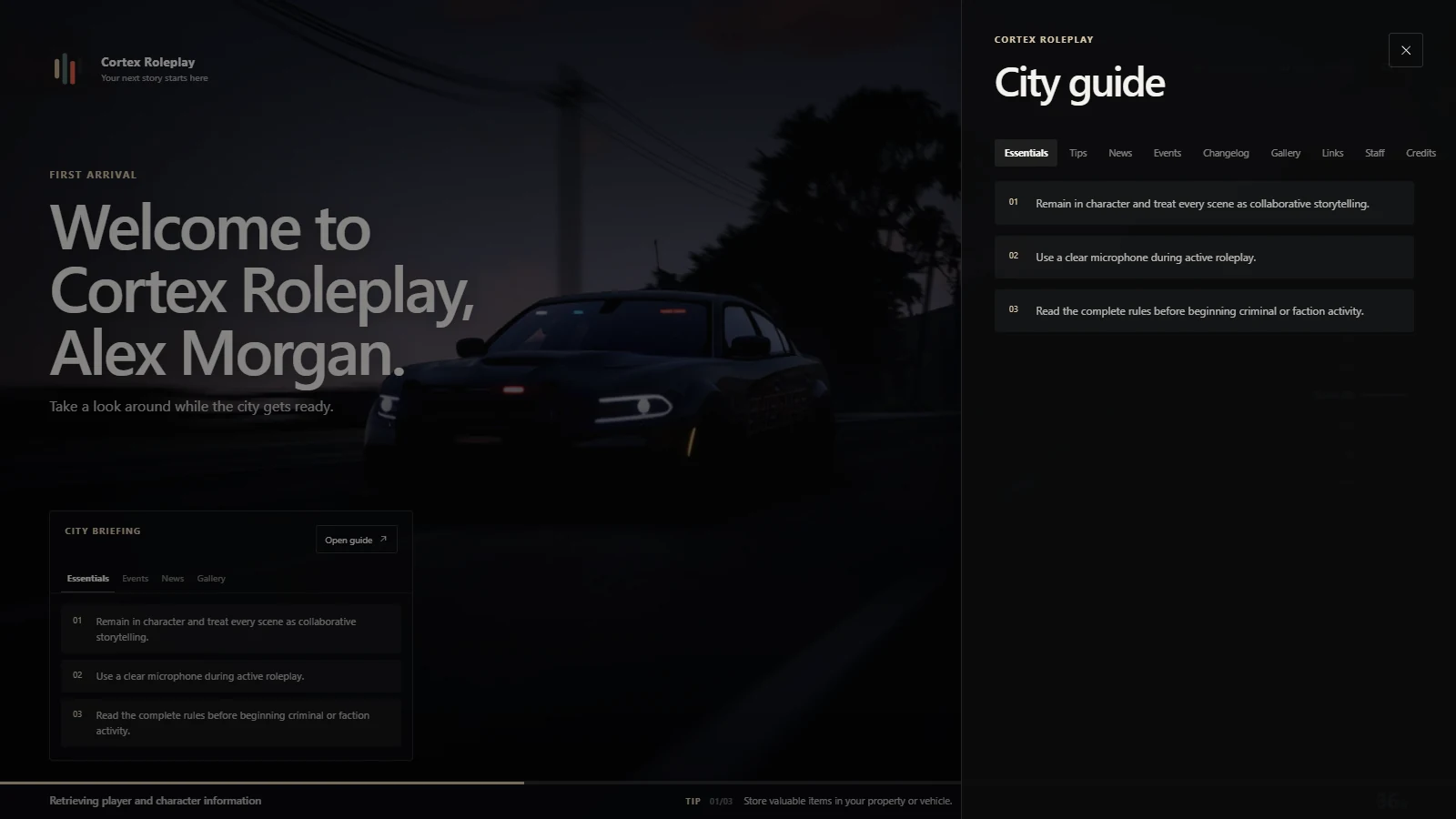
Your server. Down to the details.
Change the name, logo, accent and welcome. Turn individual modules on or off. Pair local images or muted video with your own soundtrack, and choose how each scene moves into the next.
Try it in the demo
A better first minute in your city.
$4.99 on Tebex. No framework, database or Cortex Lib required.
Before your first join.
Is this the actual loading screen?
Yes. The preview runs the resource's Svelte interface in your browser with sample community content and simulated loading progress. It doesn't connect to a FiveM server.
Do I need to rebuild it to customise it?
No. The release archive includes the compiled interface. Edit config.lua, add your media under dist/assets, and restart the resource. The customization guide covers branding, minimal setups and community content.
Does it need hosted media or a music service?
No. Scenes, logos, gallery images and music can all be local files. No music is bundled; supply audio you have permission to use.
How do I install it?
Place the cortex-loading folder in your resources directory and add ensure cortex-loading to server.cfg. Disable competing loading screens, review the example branding and community content, then reconnect.