Cortex PolCam
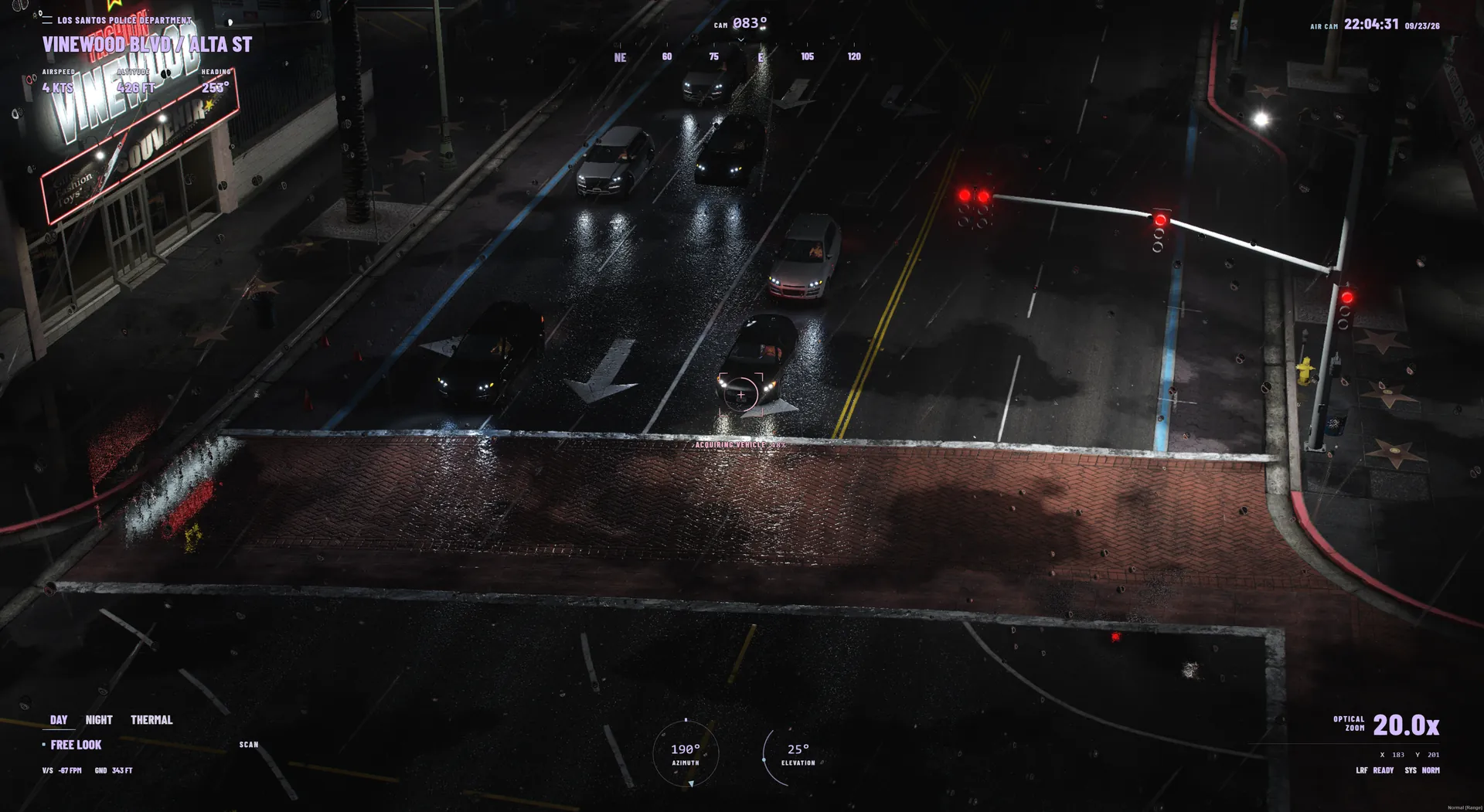
One helicopter camera. The whole crew on it.
FiveMCortex Chat
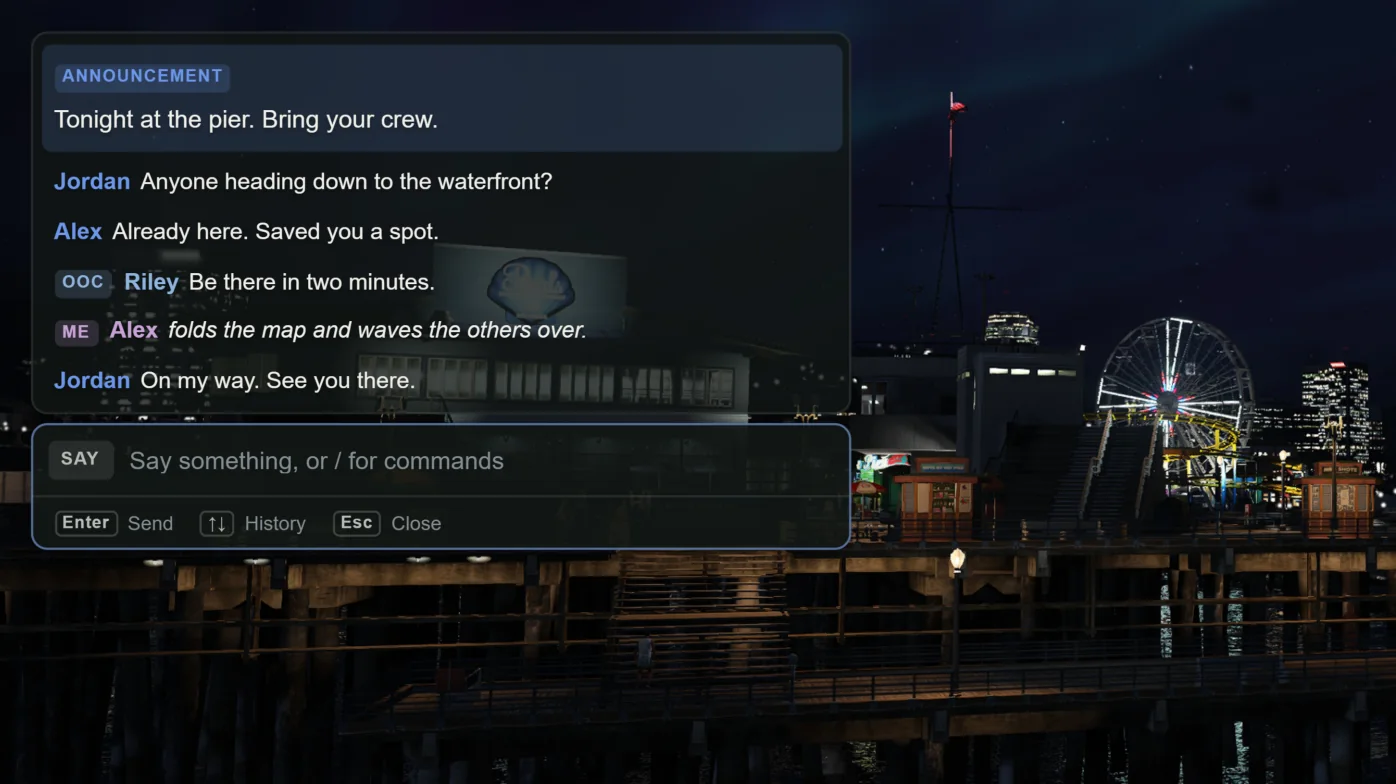
Cortex Chat brings conversation, commands and roleplay actions into one window. Players find the right command as they type, and your server keeps the noise down.
$6.99 on Tebex
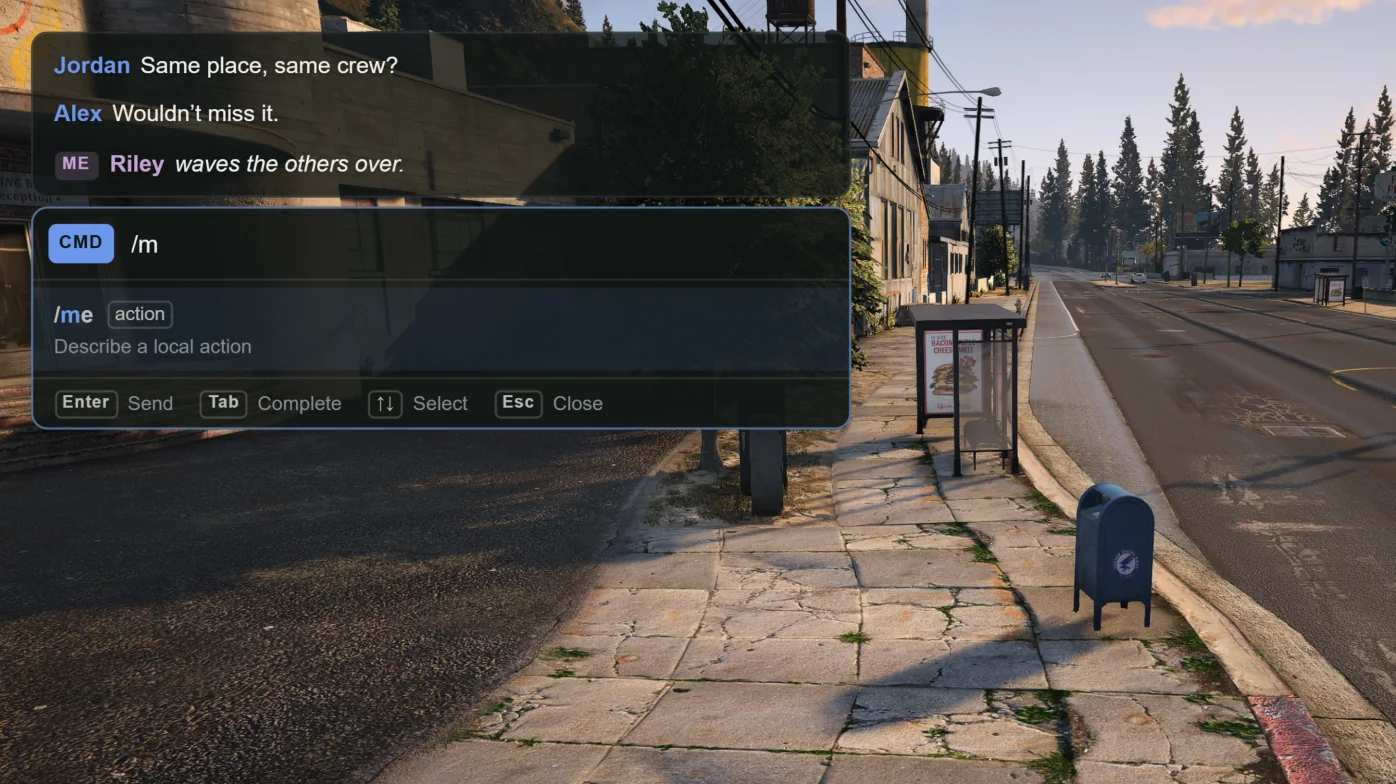
Type /m and matching commands appear with a description of each. Tab completes the suggestion and the next parameter is shown as you fill it in. Commands work with or without the slash.
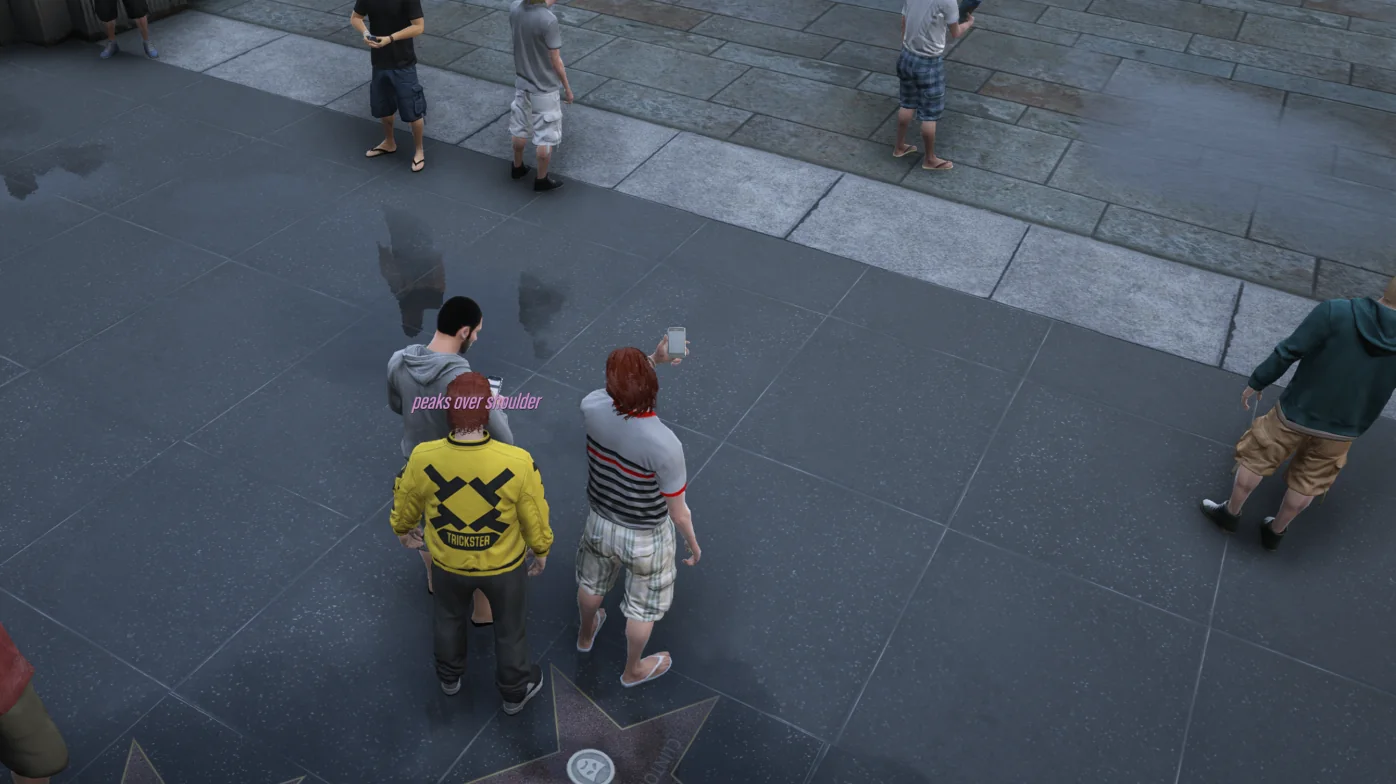
/me puts the action above the character in the world, visible to players nearby and in the same routing bucket. /gme reaches everyone, /ooc can be global or local, and /rolldice rolls on the server.
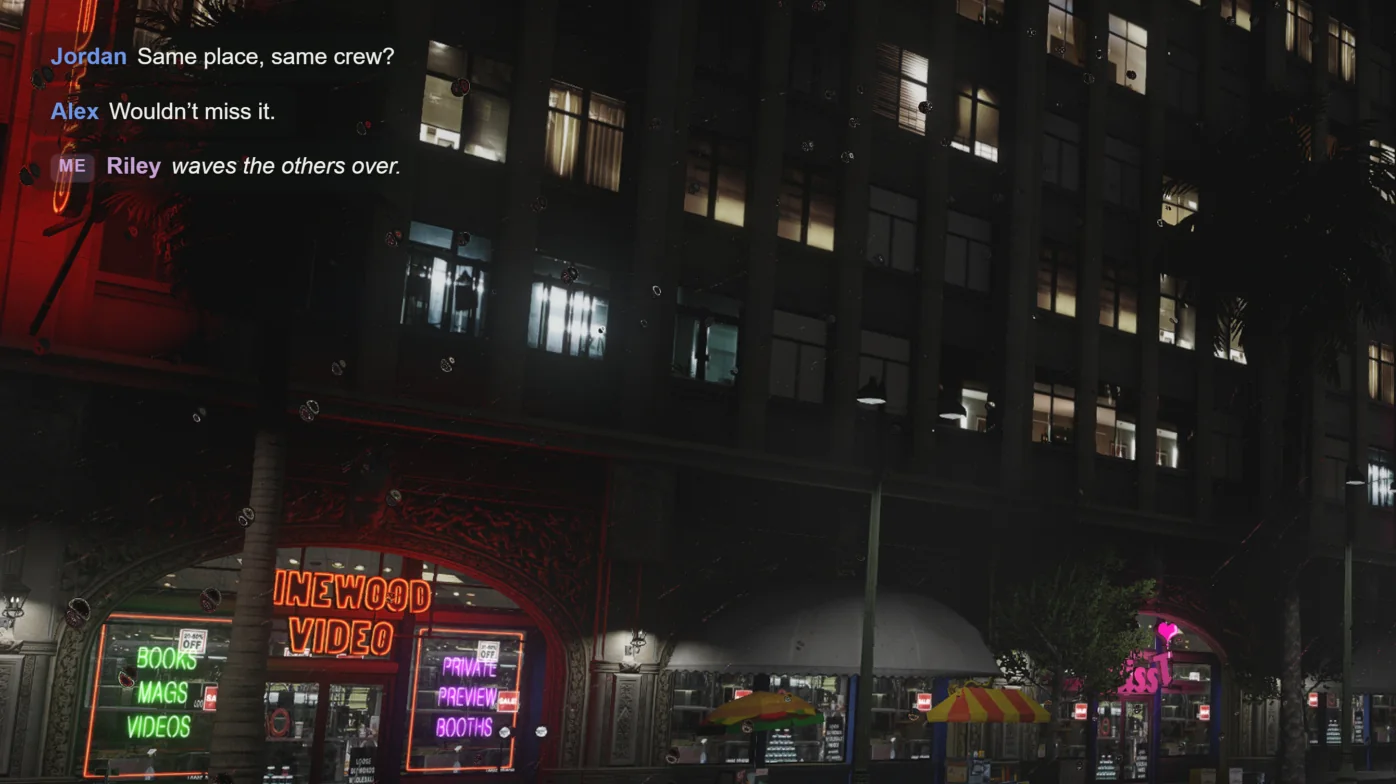
Each player picks position, size, font, background opacity and accent colour in Cortex Settings. Fade time and history length are theirs too, and the choices are saved between sessions.
$6.99 on Tebex. Install Cortex Lib alongside it; the library is free.
Cortex Lib 2.2.1 or later and OneSync. No roleplay framework or database is required.
Yes. Disable the stock chat resource and any other chat replacement before starting cortex-chat. Resources that send chat:addMessage keep working; stock HTML templates, chat modes and exports['chat'] do not.
Only players your server grants it to. The default auto mode accepts cortex.chat.dv and grants from vMenu ACEs, Cortex Admin, QBCore, Qbox or ESX. Pin a single mode to restrict it further.
Yes. Position, size, font, background opacity, accent colour, fade time and history length are per-player settings in /cortexsettings.
One helicopter camera. The whole crew on it.
Make the wait part of the arrival.