
Sentry for Windows
See whereyour space goes.
Map several drives and folders together, find the largest files, and decide what to keep. Start with your PC, or connect Google Drive with your own OAuth client.
Free for Windows x64. Unsigned installer. Local scanning needs no account.
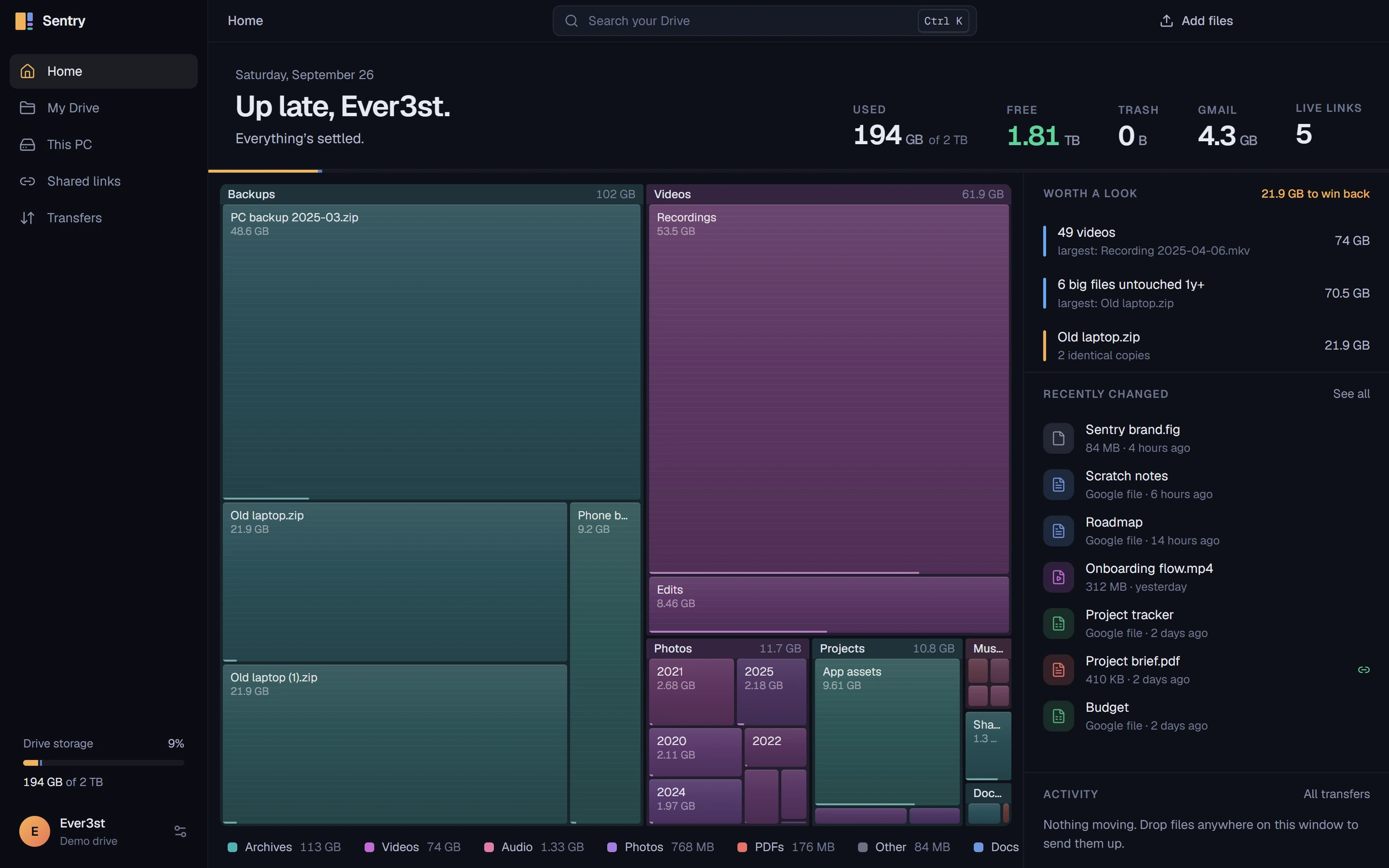
Every box is space.
Bigger tile, more room it takes. That is the whole map. Select a folder to open it, the way Sentry does, and the suggestions that follow come from the same numbers.
Sizes from Sentry's built-in demo drive.
0.0 GB
to win back
Old laptop.zip is stored twice. Sentry matches the checksums.
0.0 GB
untouched for a year
Six big files nobody has opened since last year.
0
videos
The largest single category, led by screen recordings.
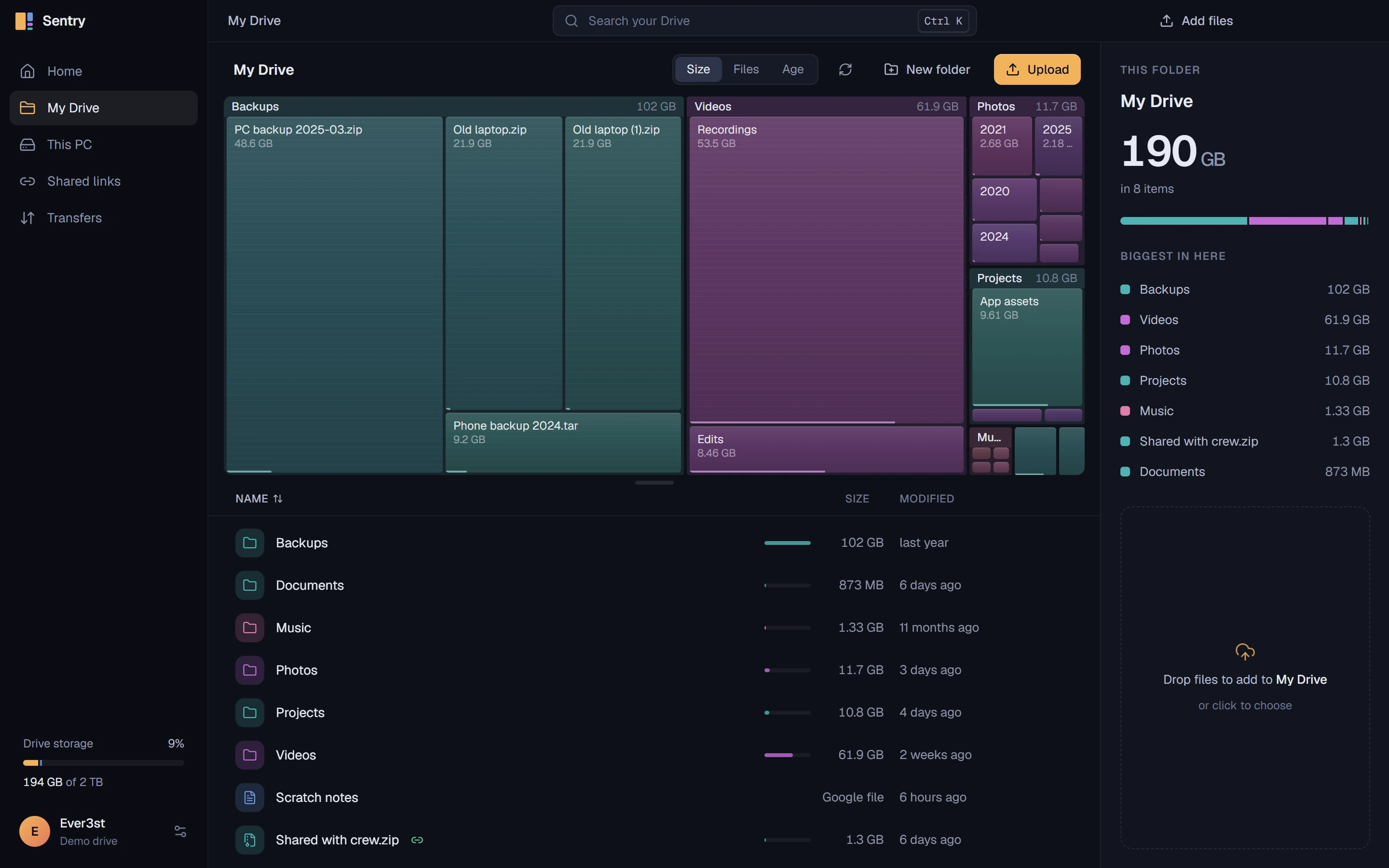
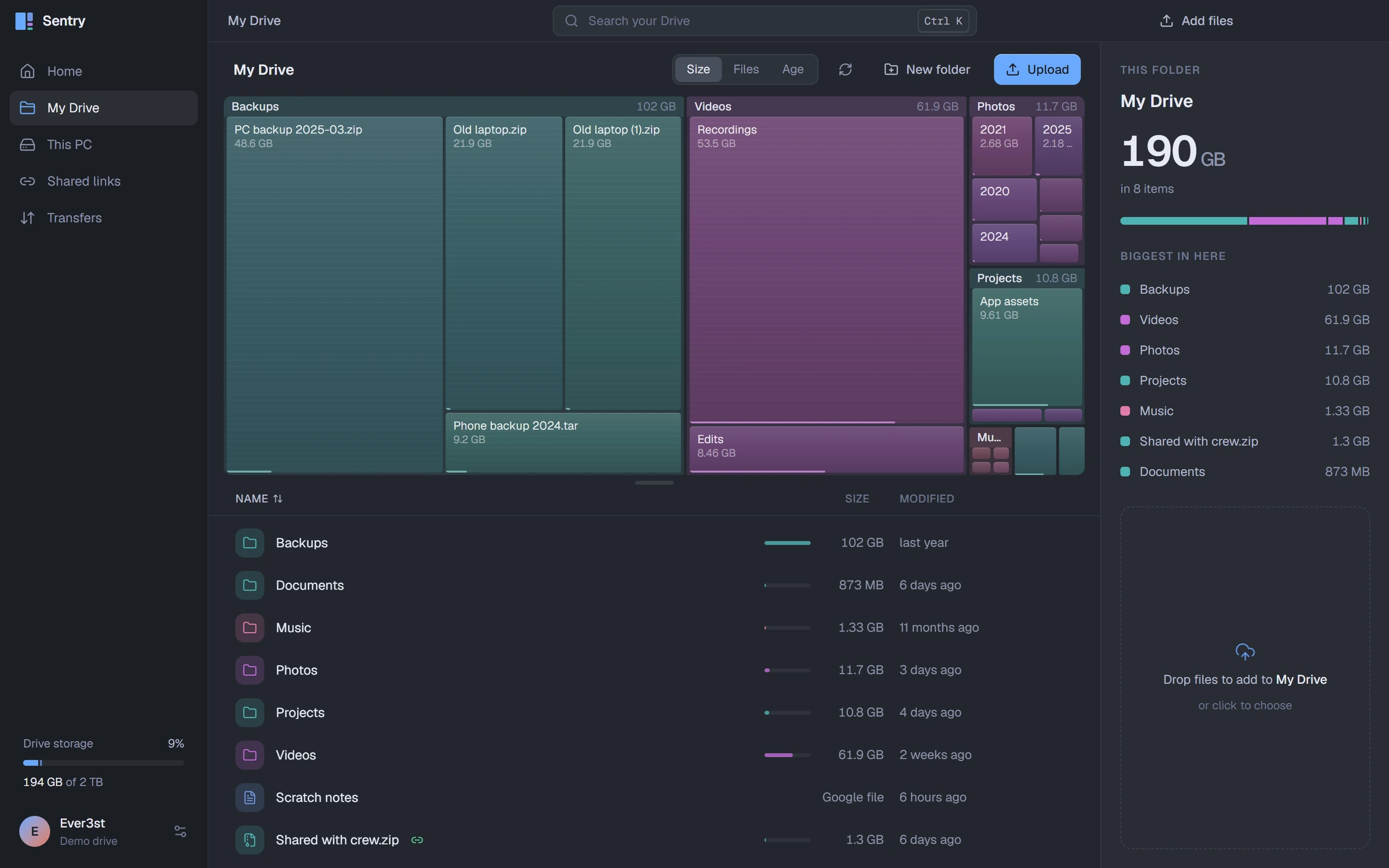
One app for the storage you pay for.
Real screens from the current build, running against the demo drive.
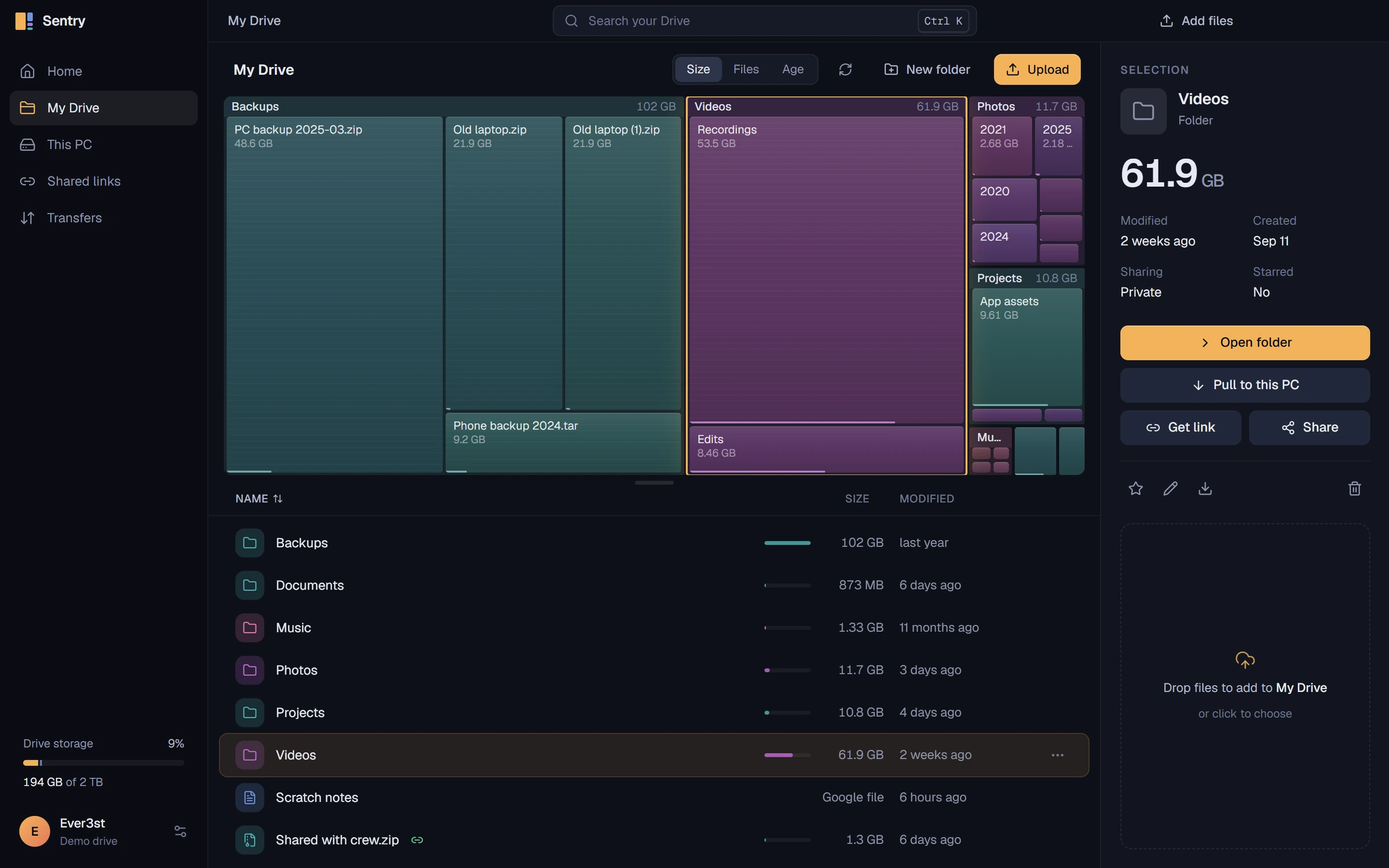
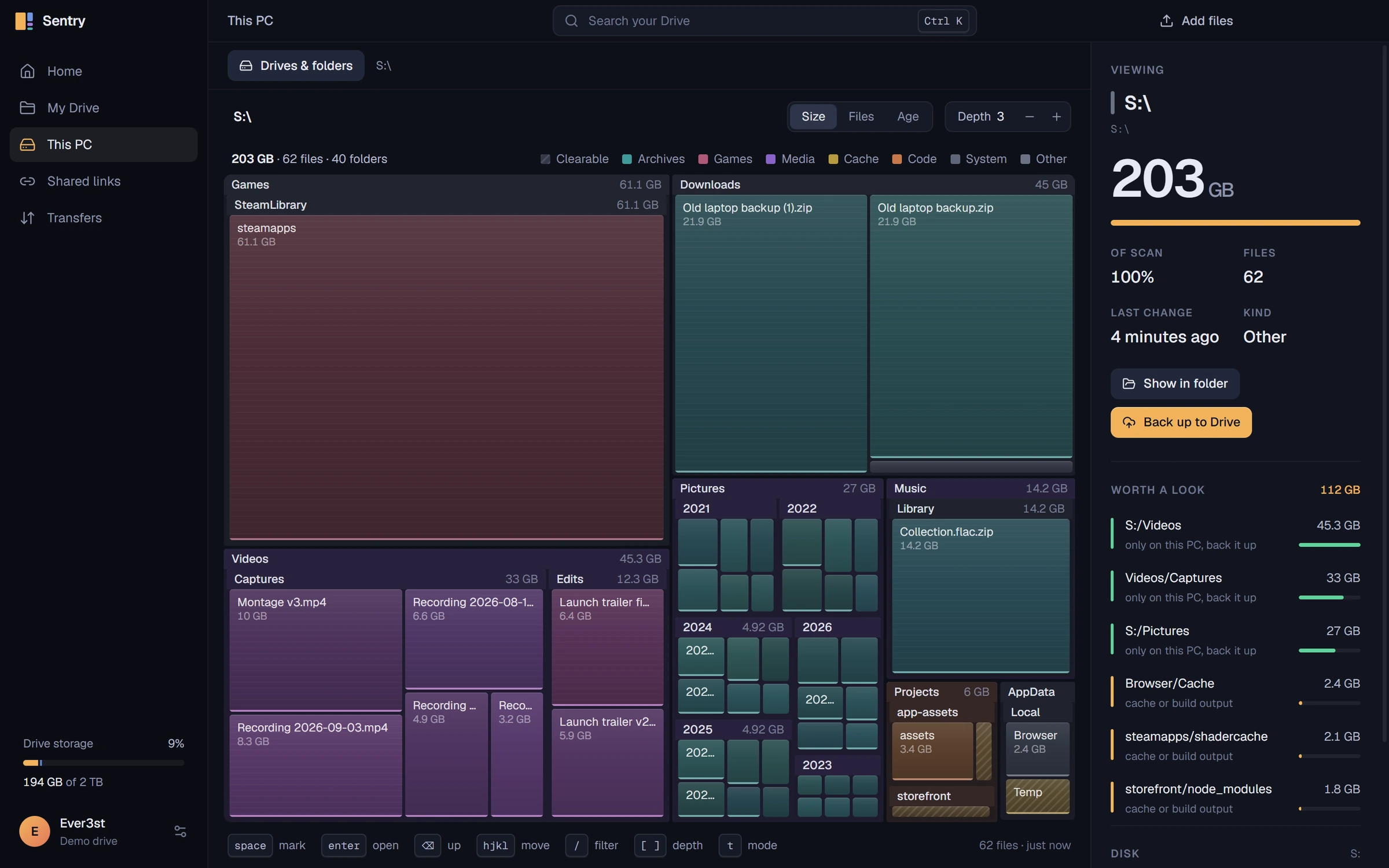
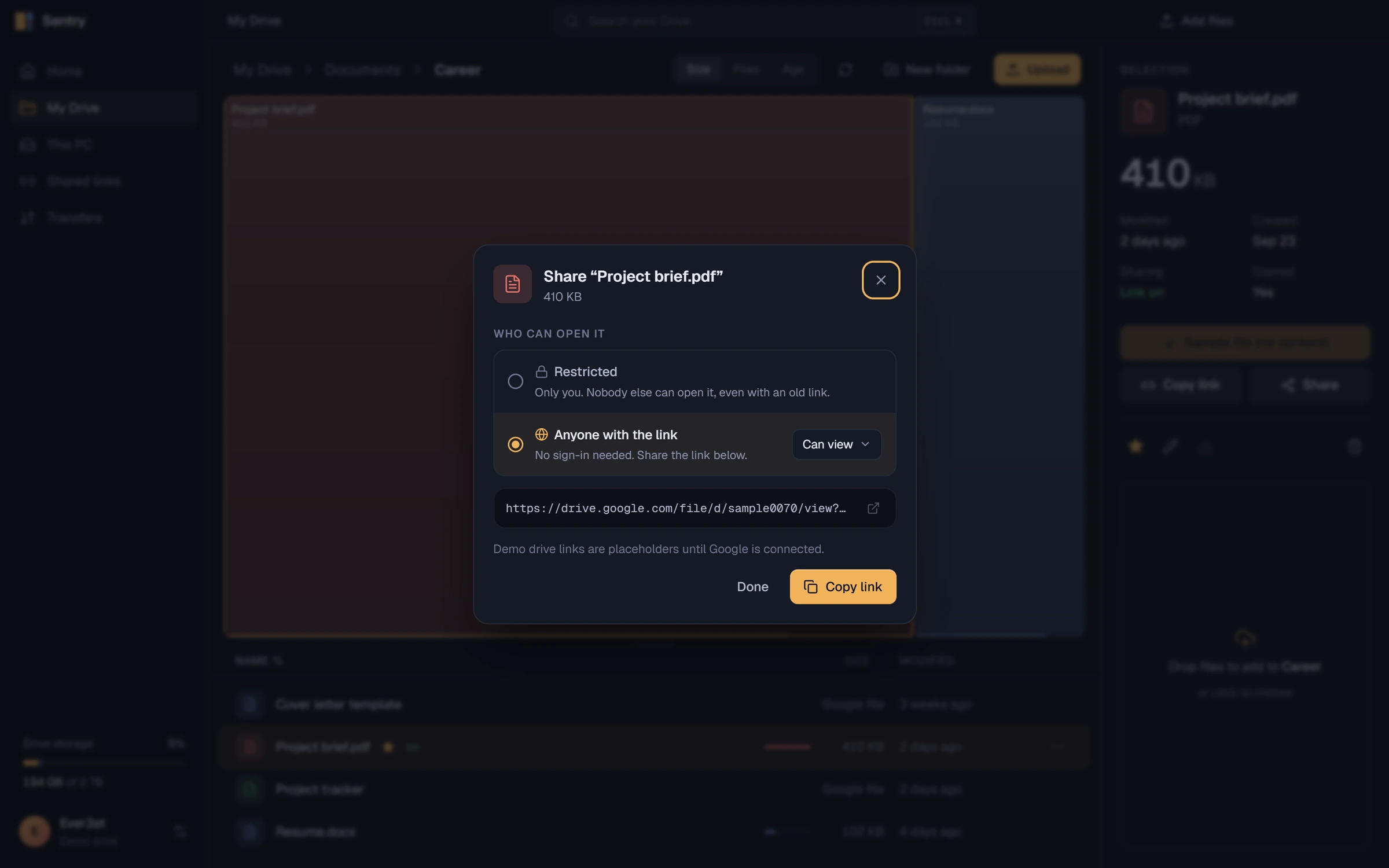
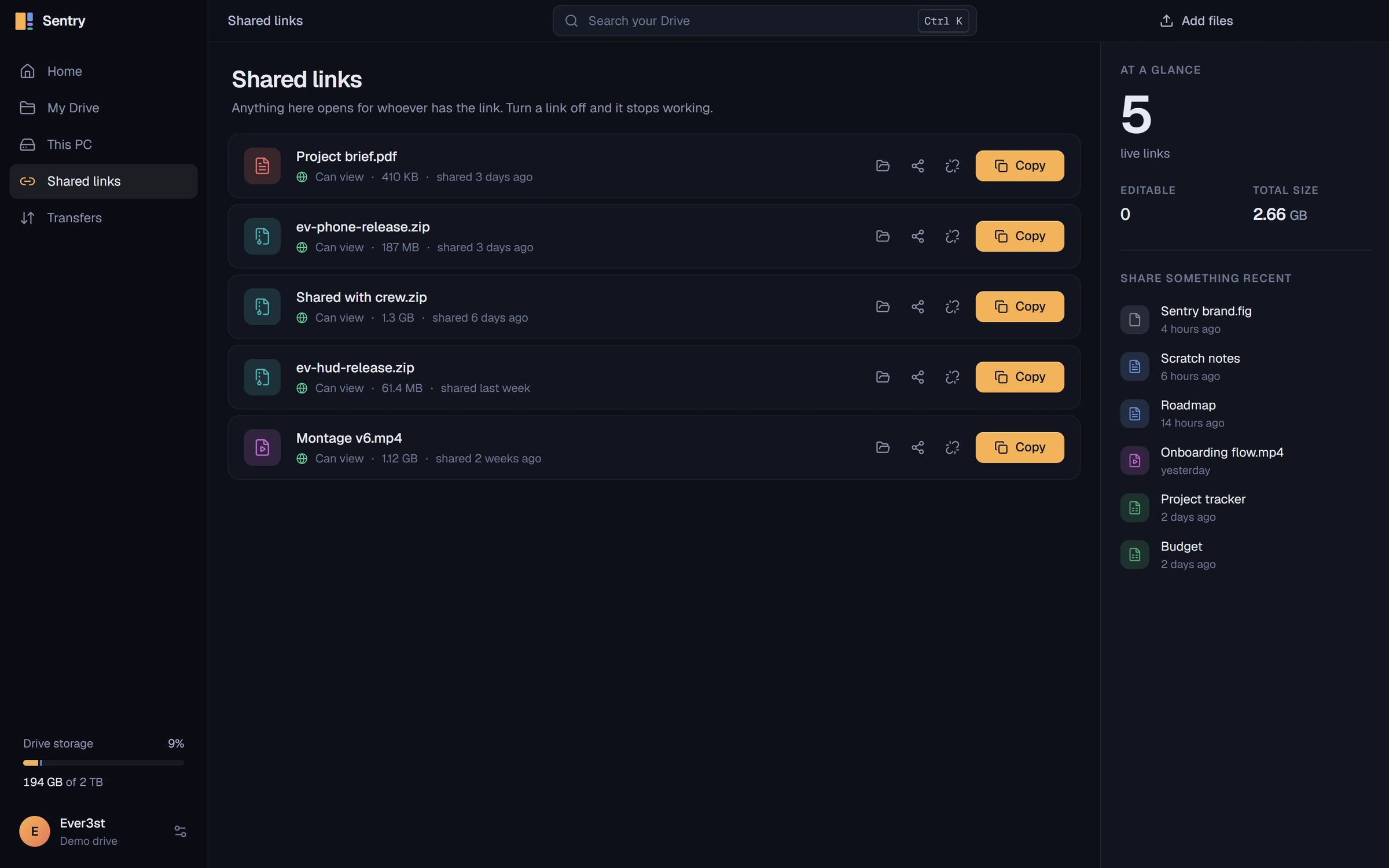
Made to sit on your desktop.
Midnight, Graphite or True black, with five accents. Drag to compare the same drive in two looks.
How a file moves.
Uploads are explicit. Nothing syncs in the background, and nothing leaves your PC unless you send it.
Drop
Drag files onto the window, pick them, or use Send to Google Drive in Explorer.
Upload
Resumable uploads in 8 MiB chunks, three at a time. An interrupted chunk asks Google where it left off.
Drive
Files land in your own Google Drive through the Drive v3 API. Sentry keeps no copy.
Pull back
Downloads check size and the MD5 checksum, refuse to overwrite, and remove incomplete output.
- resumable upload chunks
- 8 MiB
- transfers at once
- 3
- checked when Drive supplies it
- MD5
- metadata reads in flight, at most
- 48
What Sentry is for.
Use what you already pay for.
Two terabytes of Drive should feel like a drive, not a browser tab.
See where the space went.
A map answers in a second what a sorted list takes minutes to show.
Stay in control.
Explicit uploads, no background sync, and suggestions that are advice only.
Keep your account yours.
Google sign-in in your browser with PKCE. Tokens are encrypted with Windows DPAPI.
Where it stands.
Sentry is available as a free Windows x64 download. Local storage maps work without Google. Drive access currently requires your own Google Cloud Desktop OAuth client; there is no shared sign-in client in the installer.
Verified
- Public Windows installer, update manifest, blockmap, and SHA-256 checksums on GitHub
- Multiple local drives and folders in one map, with saved selections and results
- Upload, download and share-link round trip against the demo drive
- Resume, integrity and cancellation checks with mocked Google responses
- Hidden-window transfers, deferred refresh and scan cancellation
Not yet verified
- Live upload and download integrity against a real Google account
- Google verification for a shared OAuth client with full Drive access
- Code signing and a full install, update and relaunch cycle
- Restore from trash inside Sentry (Drive keeps trash for 30 days)
Start with the space on your PC.
Download Sentry for Windows x64. Local scanning works immediately; add Google Drive later if you have a Desktop OAuth client. The installer is currently unsigned.